

Webmarka WCAG Audit Accessibility Review in Your Browser
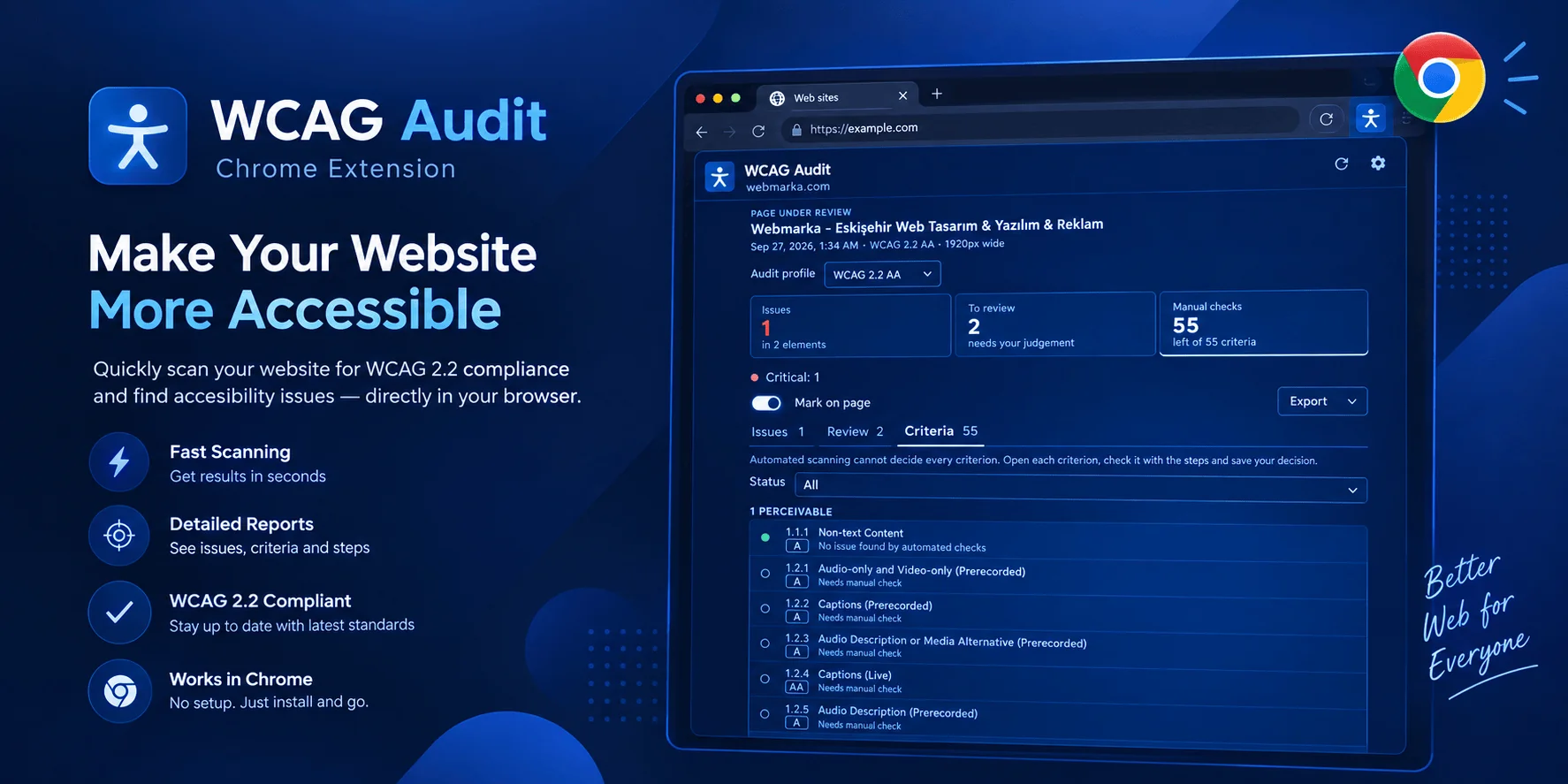
A Chrome extension that scans the page you open against the WCAG 2.1 AA or WCAG 2.2 AA profile, maps automated findings to success criteria and offers a guided manual review for criteria that cannot be decided automatically.
Click the extension icon or press Alt+Shift+W; the side panel opens and the active page is scanned right away.

Fixable Findings, Not a Score
Automated tools can reliably detect only part of all accessibility issues. That is why the extension never produces a “compliant” result or a percentage score. It keeps confirmed issues, findings that need human confirmation and criteria that must be checked manually apart, and shows how to fix each finding along with the affected elements on the page.
From Scan to Report End-to-End WCAG Review
The axe-core scanning engine is bundled in the extension. Results appear in the side panel, mapped to WCAG success criteria and explained in plain language.
Automatic Scanning
The active page is scanned when the panel opens, and the scan refreshes when the tab or page changes. You can turn this off in the settings.
Numbered Issue Cards
Each issue lists its severity, WCAG criterion and level, element count and how to fix it. Contrast issues include ratios and colour swatches.
On-Page Markers
Problem elements are marked on the page with the same number as their card in the panel. Click an element to scroll to it and highlight it.
Guided Manual Review
All criteria in the profile are grouped by principle, each with check steps, W3C links and a Pass / Fail / Not applicable decision that requires a rationale.
HTML & JSON Export
Share findings with your team as a single-file HTML report laid out for screen and print, or as JSON.
Accessibility Audit in Four Steps
The extension scans the current state of a page, classifies the findings and guides you through a manual review of the remaining criteria.
Open the Panel
On the page you want to audit, click the extension icon or use the Alt+Shift+W shortcut.
- The side panel stays open next to the page
- The scan starts automatically
- Choose the WCAG 2.2 AA or 2.1 AA profile
- Interface available in English and Turkish
Review the Issues
02Confirmed issues are listed on numbered cards by severity and WCAG criterion.
- Clear titles and fix suggestions
- Readable names for affected elements
- Contrast ratio and target size measurements
- Numbered markers on the page
Confirm Items to Review
Findings the engine cannot decide on are shown in a separate tab, each explaining why it needs review.
- Incomplete findings
- Target size checks that need human confirmation
- Cross-origin frames that could not be scanned
- Experimental rules
Complete the Checklist
04Evaluate criteria that cannot be verified automatically using the check steps, then export the report.
- Pass / Fail / Not applicable decisions with rationale
- Reviewer name and date
- Decisions kept across rescans
- HTML and JSON report output
Your Data Never Leaves Your Browser
The extension works only in the panel you open and only in the active tab. It sends no data to any server.
This Device Only
Reports, manual decisions and settings are kept in chrome.storage.local; at most the 50 most recent reports are stored.
No Network Requests
No remote code, analytics, advertising or tracking code. The scanning engine is bundled in the extension package.
Idle While Closed
With the panel closed, the extension reads no pages and collects no browsing history.
Narrow Permissions
No content scripts and no access to all sites. Site access is requested only if you ask for it, and only for that site.